Page 72 of HP InkJet All in One Printer
(1909 items found)
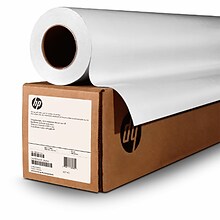
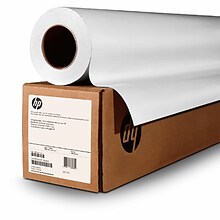
eligible for return through the HP Large Format Media take-back program.2 HP Production Matte Polypropylene is REACH compliant—a regulation of the European Union adopted to improve the protection of human health and the environment from risks that ca
n be posed by chemicals. ...
eligible for return through the HP Large Format Media take-back program. HP Production Matte Polypropylene is REACH compliant—a regulation of the European Union adopted to improve the protection of human health and the environment from risks that can ...
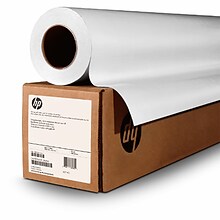
ntations to retail graphics. ...
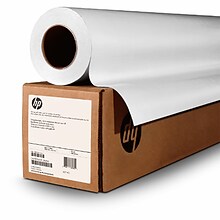
s, and diverts material from landfills. ...
s, and diverts material from landfills.3 ...
. ...
Union adopted to improve the protection of human health and the environment from risks that can be posed by chemicals. ...
s, and diverts material from landfills. ...
needs. ...
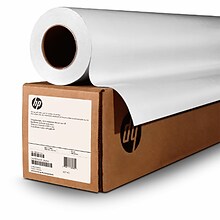
s, and diverts material from landfills. ...


HP InkJet all-in-one-printers help complete jobs faster
The primary function of printers and scanners is to provide quick solutions for busy professionals. An HP InkJet all-in-one printer gives businesses options for handling daily scanning, printing, copying, and faxing. HP wide format all-in-one printers offer solutions for posters, schematics, and blueprints. Try a compact model of HP OfficeJet all-in-one printer when space is an issue, without sacrificing the features a small business needs.
HP OfficeJet all-in-one printer features
HP wireless all-in-one InkJet printers are feature-rich. They print from mobile devices and directly from USB, and they may also have the following specs, depending on the model purchased:
- Wireless, wide format, standard, or multi-tray combination printers
- Energy-saving and security features are available on most models
- Auto-feed and auto-duplex functions mean less time loading paper
- Wireless and Ethernet network connectivity make connecting simple
- Copy, scan, print, and fax from one machine
- Mobile options with long battery life and color touch screen
Printing photos often requires a high-resolution printer, set with special settings to ensure maximum dpi. Printing on a photo specific device, like an HP ENVY printer, is the best choice for any photographic printing. However, when printing on a non-photo-specific device, make sure HP printer/paper quality settings are always on ""Best."" On an HP OfficeJet all-in-one printer, this setting provides maximum dpi and prevents through-lines. It's also possible to select orientation and duplex printing options, and these machines offer fast output to improve office productivity.
Stay stocked with HP supplies
Quill carries plenty of paper to meet any printing need, from ordinary copy paper to brand specific items like HP multipurpose paper. Choose from HP photo, brochure, presentation, and copy paper. There are multiple options for genuine HP ink cartridges, and Quill offers additional protection plans during checkout for printers and other office equipment.